Shipping today
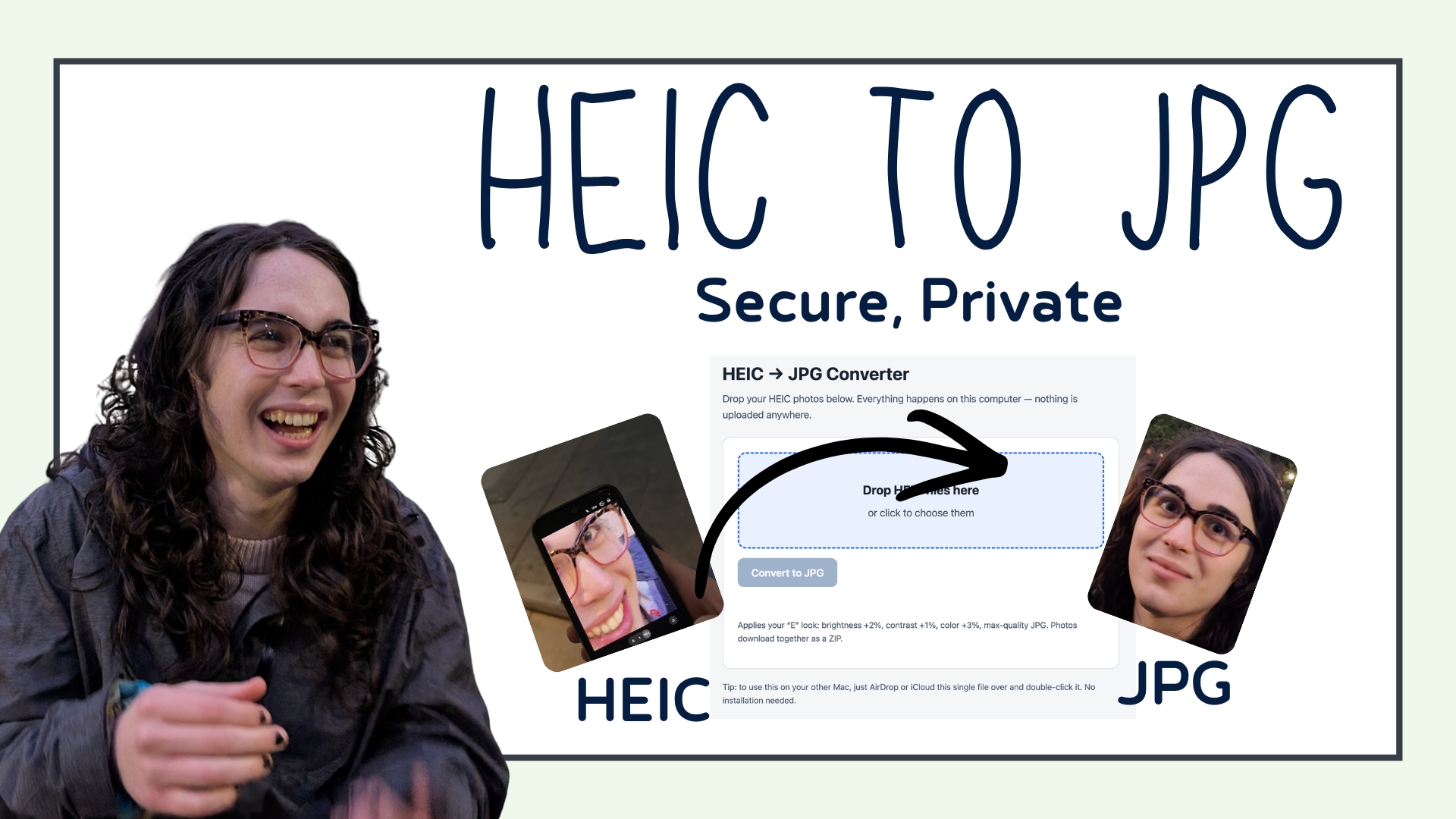
Your iPhone photos, as JPGs. Right on your own computer. Secure. Free. 👋
Ever tried to upload a photo and hit that wall?
“Sorry, this file type isn’t supported.”
That’s HEIC. It’s the format your iPhone saves photos in. It looks gorgeous on your phone, but half the internet won’t take it.
So you’re stuck. Again.
This little tool fixes that. For free.
EARLY ACCESS
Why free?
Because everyone hits this wall, and nobody should have to pay or hand over their photos to get past it.
If it saves you a headache, that’s the whole point.
Now live
v1.0 — finally out of beta
◆
What it does
Drop in your HEIC photos. Get back clean, high-quality JPGs.
That’s it.
Hands you everything back in one tidy ZIP
Batch convert a whole pile of photos at once
Keeps your quality with smart color handling, so your photos still pop
No quality cliff like you get from sketchy online converters
◇
The part that matters most
Your photos never leave your computer.
Most “free converters” online make you upload your pictures to their servers. You have no idea where those photos go, who sees them, or whether they’re ever really deleted.
Not here.
This tool runs entirely on your own machine. Nothing is uploaded. Nothing is stored anywhere but your own computer. Your photos stay yours.
That’s a big deal if your photos are personal, private, or part of how you make a living.
○
How it works
- Download the file below. It’s a single file, nothing to install.
- Double-click it. It opens right in your browser.
- Drop your photos in and hit Convert.
Done in seconds. No account. No login. No catch.